The Story: The Trust-Context Trap
Claire and Ethan, the school’s IT managers, rushed to cross-check the backend platform. Buried inside the notification system, they found something that made them stop cold: a draft parent message that no one on the school team had written. This was not a routine glitch. Someone had slipped into the school’s trusted communication channel and may have been preparing to speak to parents in the school’s name. Claire and Ethan launched an investigation immediately.
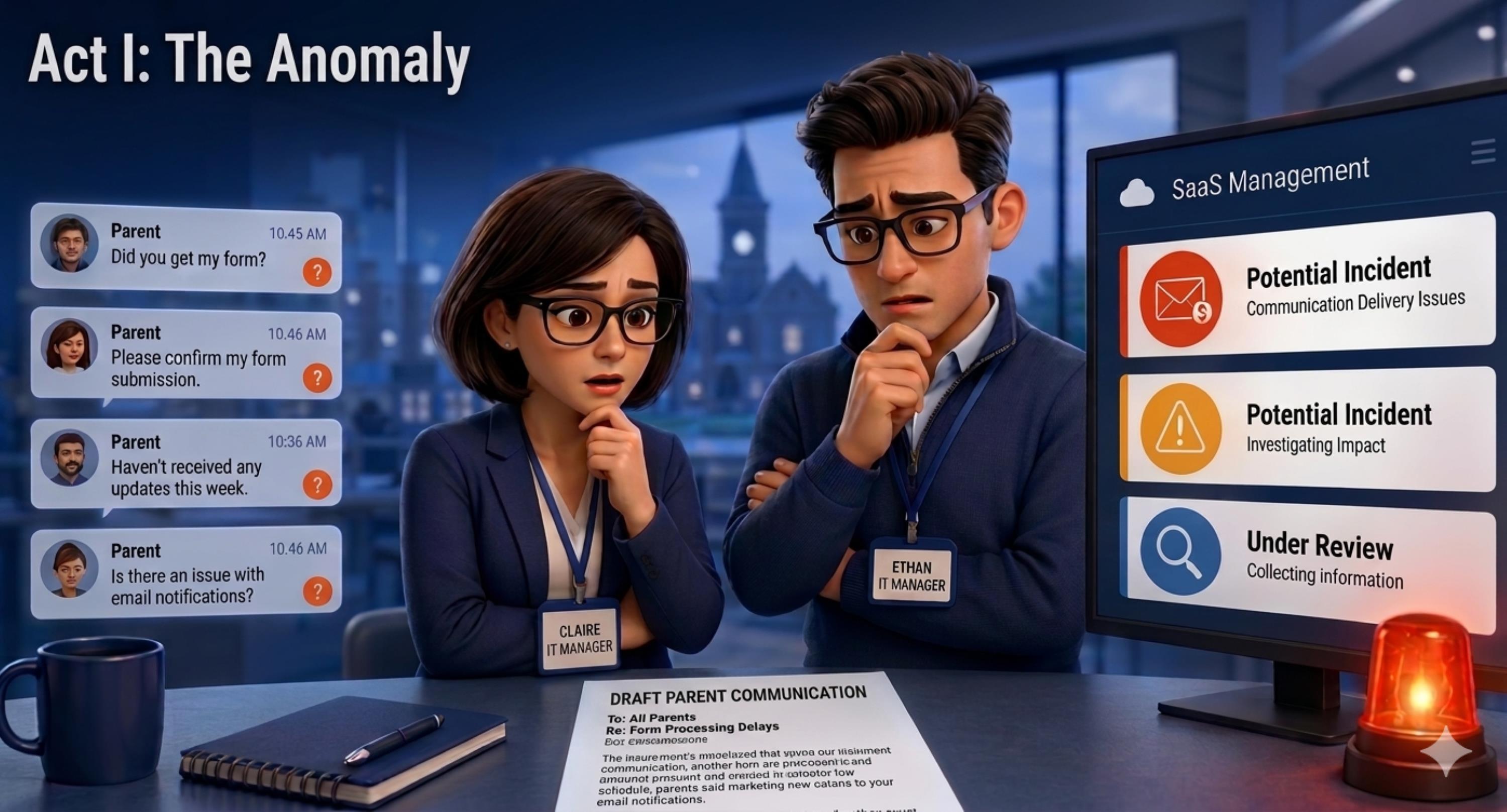

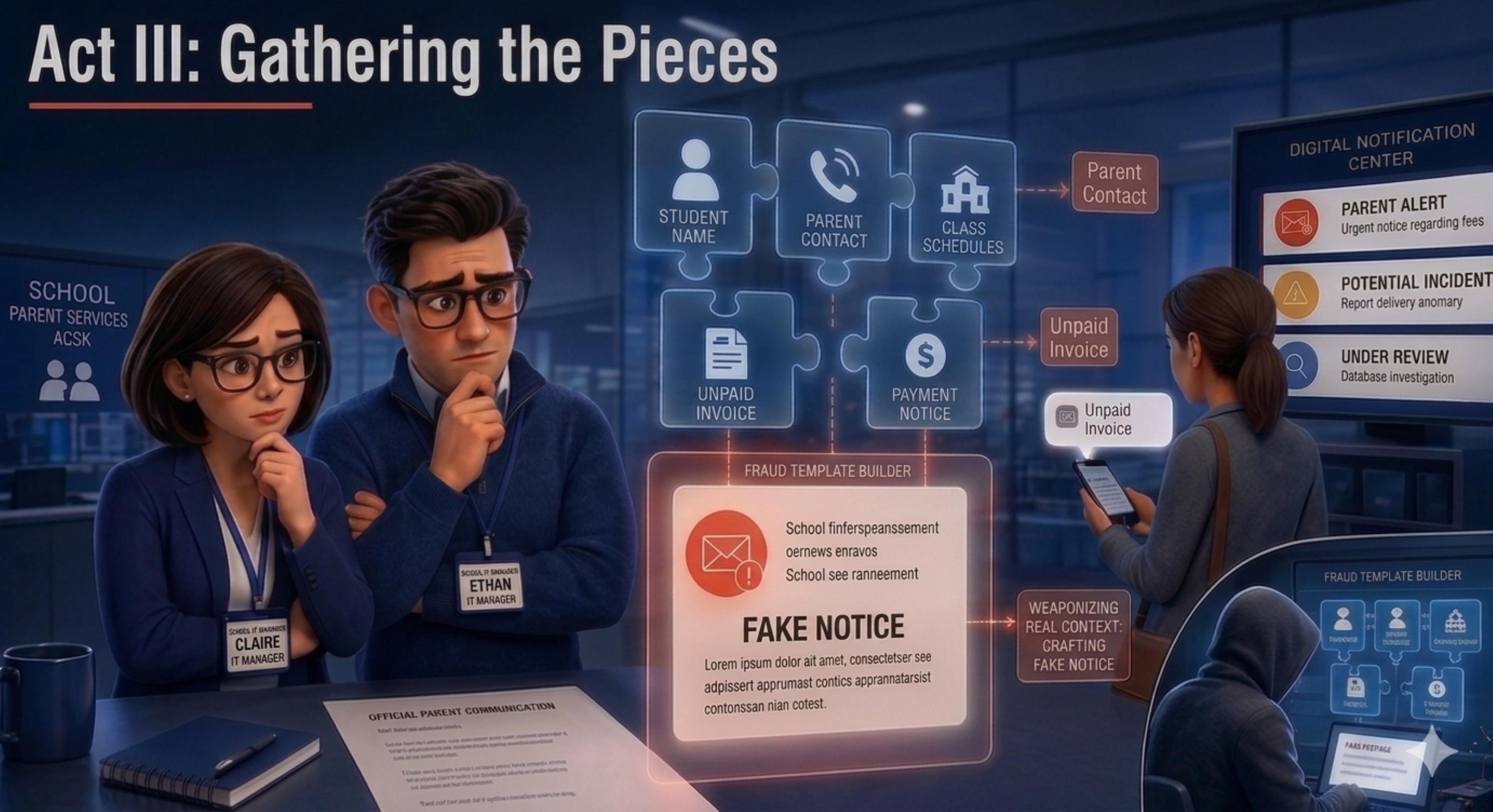
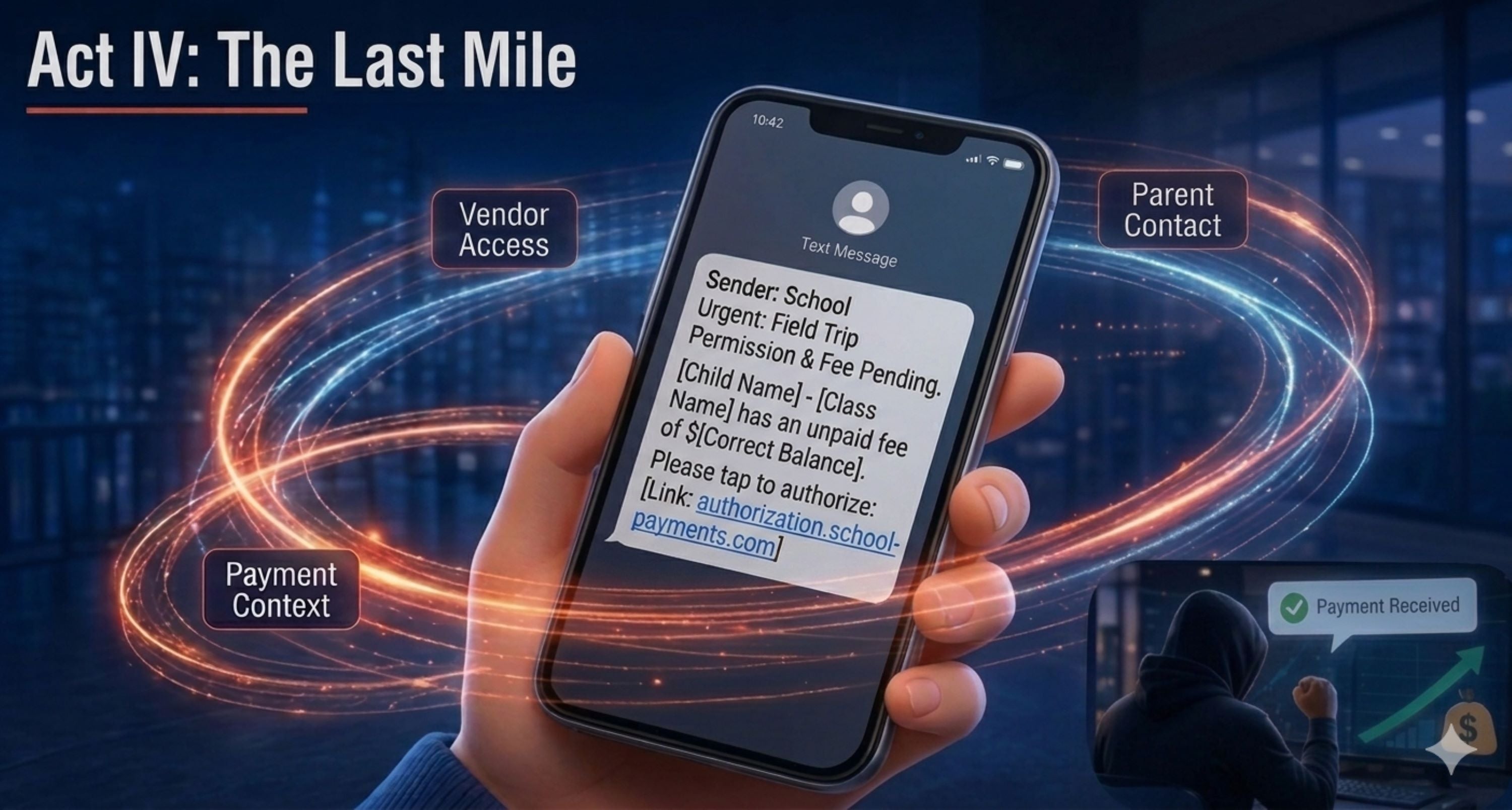
This comic presents a fictionalized but realistic scenario based on common patterns seen in education-related cyber fraud. It does not describe a specific attack against any particular school, vendor, parent, or student. The characters and events are used to illustrate how an attacker abuses trusted access, collects ordinary school context, and repackages that context into a message that feels real to the recipient.
The Core Risk: “Less Sensitive” Does Not Mean Harmless
Recent public updates about the Canvas/Instructure cybersecurity incident have drawn renewed attention to the kinds of information education platforms hold. Instructure’s Security Incident Update & FAQs stated that the incident involved unauthorized access to part of its environment and that the data fields involved included usernames, email addresses, course names, enrollment information, and messages. Instructure also stated that core learning data, including course content, submissions, and credentials, was not compromised, and that there was no evidence passwords, dates of birth, government identifiers, or financial information were involved. Federal Student Aid’s Technology Security Alert corroborated those categories and exclusions.
That distinction raises a broader question for schools, universities, and education service providers: how should defenders think about risk when the affected information is not payment data, passwords, or government identifiers?
The answer starts with context. In education environments, routine records can reveal relationships, authority, timing, communication habits, and expected workflows. The table below shows how seemingly ordinary education data can be repurposed into attack context.
| Type of data | What it can reveal | How criminals can exploit it |
| Names and school-issued email addresses | Confirms that a person belongs to a real institution and can be reached through an expected channel. | Personalized phishing, fake IT support notices, account reset lures, or spoofed administrator emails. |
| Course names, class groups, and class context | Shows what students, teachers, or parents may expect to receive and when. | Fake assignment reminders, exam notices, schedule-change alerts, or malicious links disguised as routine school tasks. |
| Teacher, administrator, department, or office names | Reveals who carries authority in a school workflow. | Impersonation of teachers, registrars, student services, finance offices, or IT support. |
| Routine school workflows and notice types | Shows what kinds of requests feel normal, such as forms, permission slips, timetable updates, or portal reminders. | Fake permission forms, document-update requests, portal login lures, or malicious notices that imitate normal school processes. |
| Communication style, timing, and channel patterns | Reveals how the institution usually writes, when it sends notices, and which channels recipients trust. | More convincing fake announcements, reply-style lures, SMS or email scams, and messages that appear to follow normal school communication habits. |
| School branding, platform names, and portal references | Makes fake pages and notices look familiar. | Lookalike domains, cloned login pages, fake portal updates, and malicious forms disguised as official school resources. |
Takeaway
In education cyber incidents, context is often the payload. Data does not need to be financially sensitive by itself to become useful for phishing, impersonation, fake notices, payment fraud, or account abuse.
From Campus to Community: Why The Risk Extends Beyond Education
Education environments are especially vulnerable to context-rich social engineering. Schools and universities manage large user populations, frequent notices, trusted authority figures, and predictable communication patterns involving forms, assignments, fees, accounts, and support requests. That combination gives attackers more than data points. It gives them context they can reuse to make a later message feel familiar, timely, and legitimate.
But the risk is not unique to education. Any organization that relies on shared SaaS platforms, centralized identity, broad user communities, and trust-based communications can face similar downstream social engineering attempts.
For enterprises, the education pattern maps directly to common business systems:
- A learning management system resembles an HR portal, CRM platform, ticketing system, customer support tool, or collaboration suite where one trusted environment connects many people and workflows.
- Student and school records resemble employee, customer, patient, partner, or member records that may not contain payment data but can still reveal identities, roles, timing, relationships, and expected actions.
- School notices resemble payroll updates, benefits reminders, vendor invoices, help desk tickets, customer support replies, contract updates, and internal policy announcements.
The broader lesson is that organizations should not only ask, “Was highly sensitive data exposed?” They should also ask, “What context could an attacker reuse?” Once relationship and workflow context is exposed, it can be repackaged outside the original platform, outside the original institution, and long after the breach headline fades.
Attack Chain and MITRE ATT&CK Mapping
The mapping below turns the trust-context risk into a defender-oriented model. It focuses on behaviors that schools, universities, service providers, and enterprises should monitor after a SaaS or education-platform breach.
| Attack stage | Attacker objective and risk | MITRE ATT&CK mapping | Signals and defensive response |
| 1. Trusted access is abused | Use a compromised vendor, user, or cloud account to enter a trusted platform without looking like an external attacker. | T1078 Valid Accounts; T1078.004 Cloud Accounts |
Watch for new devices, impossible travel, off-hours access, vendor-account anomalies, and suspicious session activity. Enforce MFA, conditional access, device trust, vendor reviews, and rapid session revocation. |
| 2. Context is collected | Gather identity, relationship, course, message, workflow, or brand context that can make later lures believable. | T1589 Gather Victim Identity Information; T1530 Data from Cloud Storage — when data is accessed from cloud storage, SaaS document stores, or platform-hosted files; T1087 Account Discovery — when users/accounts are enumerated |
Watch for bulk exports, unusual query volume, access across many classes or tenants, and abnormal message access. Retain SaaS audit logs and alert on export-like behavior. |
| 3. Context-rich lures are delivered | Send messages that use real names, roles, courses, notices, or workflows to drive clicks, credential entry, payment, or document opening. | T1566 Phishing; T1598 Phishing for Information; T1204 User Execution |
Watch for email or SMS spikes, display-name spoofing, suspicious links, cloned portals, credential pages, and malicious attachments. Use email security, DNS protection, brand monitoring, and official-channel guidance. |
| 4. Impact is monetized or expanded | Steal credentials, redirect payments, install malware, or use compromised accounts for further attacks. | T1078 Valid Accounts; T1041 / T1567 Exfiltration, only where exfiltration is confirmed |
Watch for account takeover, suspicious OAuth grants, payment complaints, help desk spikes, endpoint alerts, and unusual outbound activity. Correlate identity, email, DNS, endpoint, cloud, and SaaS telemetry. |
Self-Evaluation: Questions Every Institution Should Ask
- Which education, HR, CRM, collaboration, or support platforms hold identity and relationship context, not just payment or password data?
- Are vendor, partner, administrator, and support accounts protected with MFA, device checks, least privilege, and regular access reviews?
- Can we detect unusual login patterns, new devices, impossible travel, off-hours access, suspicious OAuth grants, and abnormal API use?
- Can we detect unusual data access, bulk export behavior, large message access, or cross-class and cross-tenant queries in SaaS audit logs?
- Do students, staff, parents, guardians, customers, and employees know which channels are official and how to verify payment or account requests?
- Do our incident playbooks address the second wave: phishing, impersonation, payment fraud, and account abuse after the initial breach disclosure?
Recommended Actions
Treat education-platform breaches as trust-context incidents, not only data-exposure incidents. The practical goal is to reduce the amount of context attackers can collect, detect misuse sooner, and make fake communications easier for users to reject.
- Reclassify context as risk-bearing data: Extend breach triage beyond passwords and payment records. Names, school emails, class details, communication patterns, and workflow context should be evaluated for phishing and fraud potential.
- Harden trusted access paths: Enforce MFA, conditional access, device trust, privileged account separation, and regular vendor-account reviews. Remove stale accounts and reduce standing privileges.
- Limit unnecessary data exposure: Apply least privilege to education platforms and connected SaaS tools. Restrict bulk exports, review integrations, minimize API scope, and segment access by role, class, campus, tenant, or business unit.
- Retain and correlate SaaS audit logs: Collect identity, cloud, SaaS, email, endpoint, DNS, and proxy telemetry so responders can reconstruct who accessed what, when, and from where.
- Monitor for the second wave: Look for phishing campaigns, fake school notices, brand impersonation, lookalike domains, suspicious payment requests, and social engineering that references affected workflows.
- Communicate quickly and specifically: Tell users what types of messages to distrust, which channels are official, how to report suspicious outreach, and what the organization will never ask them to do by email or SMS.
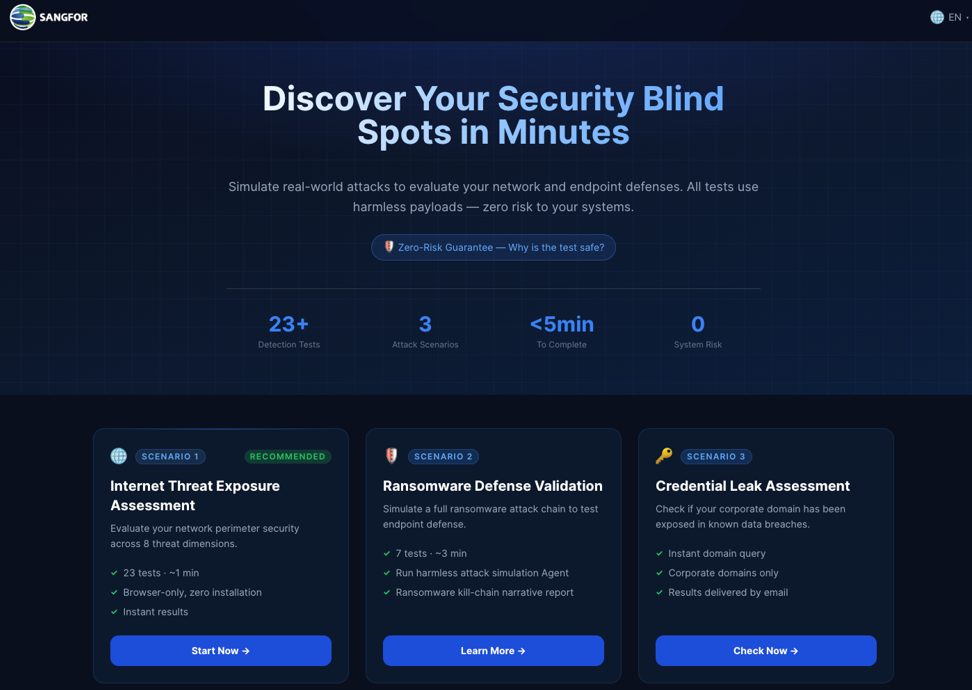
- Get a Free "Security Health Check" with the Sangfor Security Evaluator: Prevention is better than cure!
How Sangfor Helps
| Problem | Sangfor solution |
| Suspicious logins and identity misuse across shared platforms | Zero Trust access controls, MFA, device trust checks, and abnormal login detection |
| Follow-on phishing and impersonation after a breach | Phishing detection, email security, threat intelligence, DNS security, and brand impersonation monitoring |
| Slow incident validation across siloed tools | XDR correlation across identity, cloud, endpoint, email, and network telemetry |
| Limited internal response capacity | MDR, threat hunting, 24/7 alert analysis, and incident verification support |
| Uncertainty about what happened and what is exposed | Incident response, compromise assessment, and external attack surface review |
Call to Action
If your institution relies on a shared learning platform, a breach should not be treated as a one-day news event. It should trigger a practical review of identity trust, user communications, phishing exposure, and response readiness. If you want to assess your exposure, validate suspicious signals, or strengthen cross-layer detection and response, start with a focused review of your platform access paths, user notification workflows, and monitoring coverage.