
The FortiBleed Heist: Patching the Gate, Leaving the Key
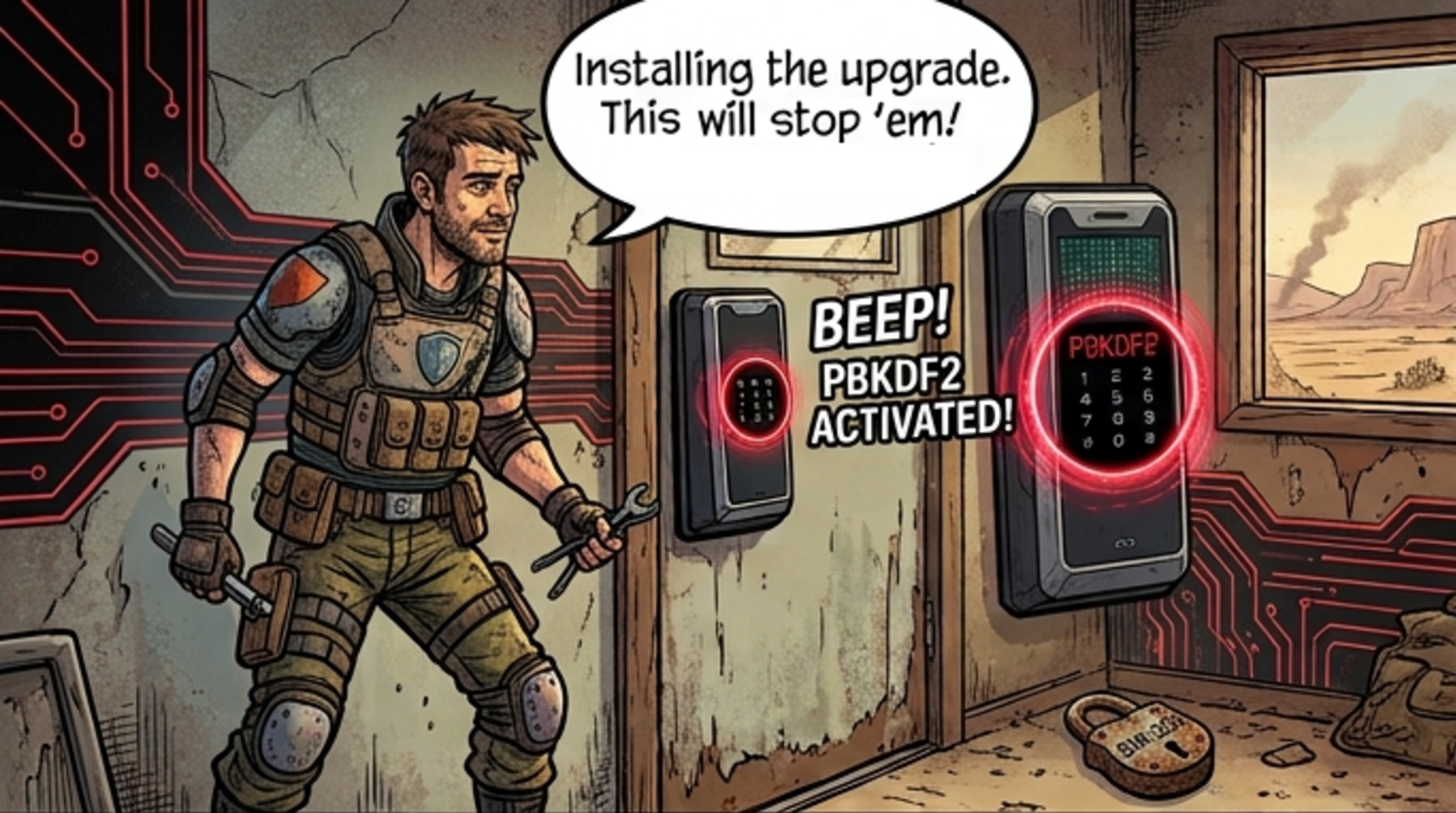
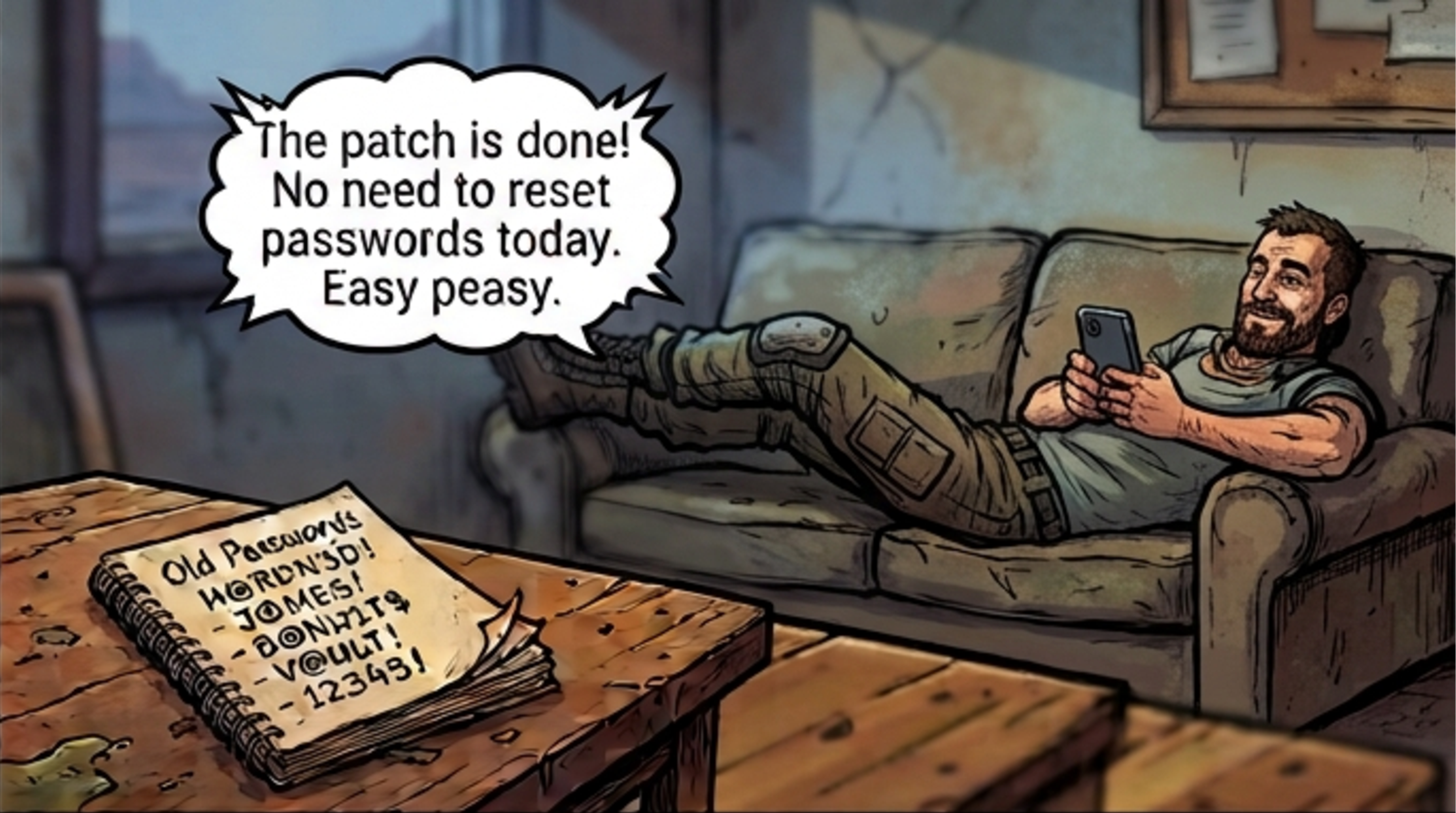
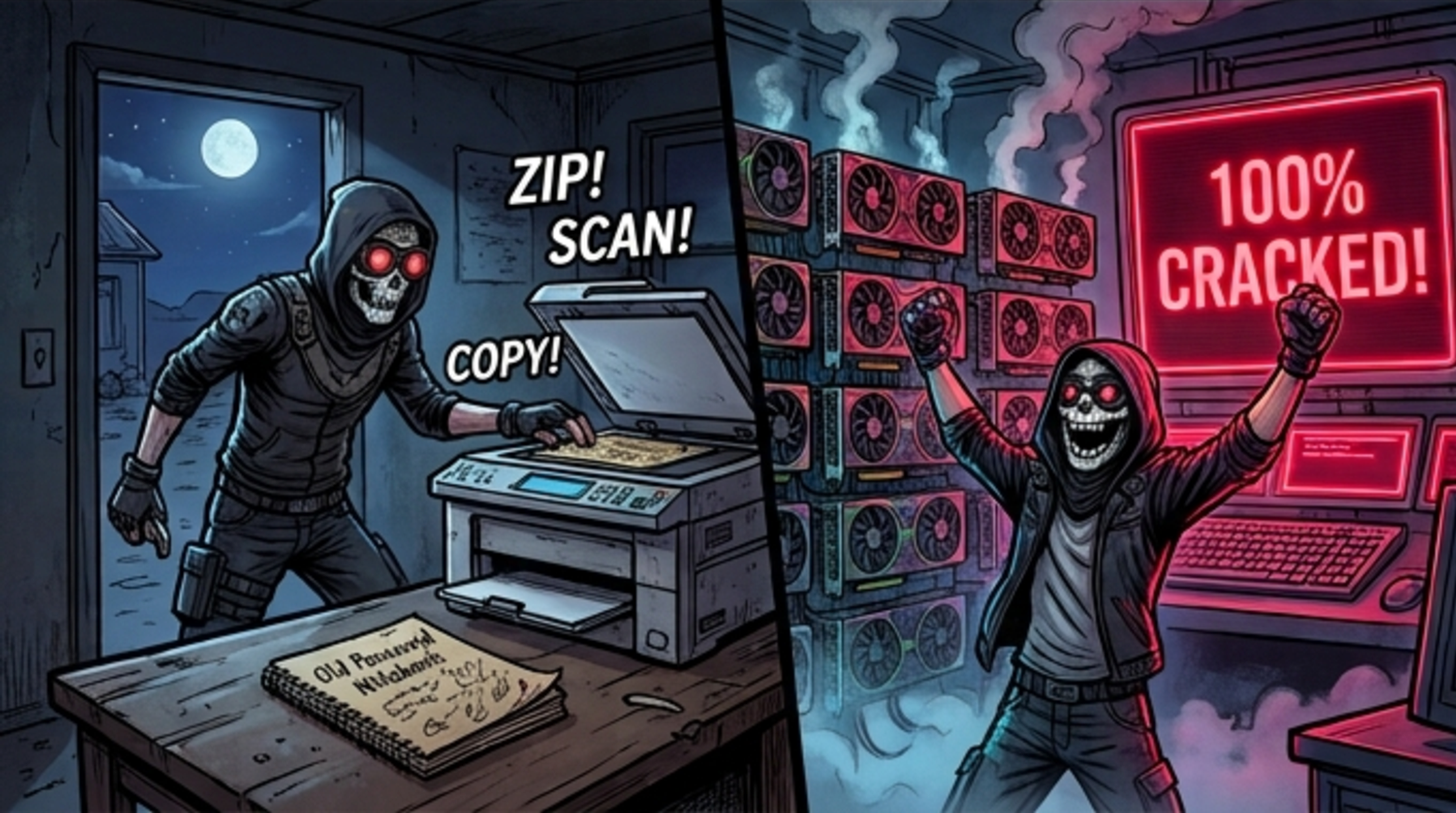

FortiBleed Overview
FortiBleed refers to public reporting around exposed Fortinet/FortiGate credentials, not a confirmed new CVE.
The reported datasets included large volumes of edge-device access details, such as URLs, usernames, emails, and plaintext passwords. Some exposed records were reportedly linked to government, healthcare, energy, local authority, and other high-value environments where remote access to edge devices can carry serious operational risk.
Fortinet disputed the idea that FortiBleed represents a new Fortinet vulnerability or recent incident/advisory. Fortinet stated that the activity is related to credential harvesting, and that it may involve reused credentials from previous incidents and brute-force techniques rather than a new product vulnerability.
That distinction matters. This article treats FortiBleed not as proof of a new vulnerability, but as a practical case for examining exposed edge-device credentials and the risks they may still create.
The Core Risk: Old Credentials Can Become New Entry
Not every new entry starts with a new vulnerability. Sometimes it starts with an old credential that still works.
That is why FortiBleed shifts the practical question from “Is this a new CVE?” to “Can any of these exposed credentials still open a door?”
Edge devices sit at the trust boundary. If old VPN, firewall, administrator, vendor, or support credentials still work there, the organization may face current remote-access risk even when the underlying data is old.
The most dangerous credential is not always the newest one. It is the one that is still accepted, still overprivileged, and still invisible to day-to-day review.
| Risk element | Why it matters | How attackers can exploit it |
| Exposed edge gateway | A remote-access path is reachable from the internet. | Attackers can test credentials and prioritize high-value gateways. |
| Old VPN or admin credentials | A password from an older exposure may still authenticate. | Valid account access can become an entry point or be handed off to another actor. |
| Missing or weak MFA | A password alone may be enough to enter. | Attackers can attempt direct logins or repeated access attempts. |
| Unrotated or reused credentials | Old data becomes dangerous again when credentials remain valid across systems. | Attackers can try reuse across VPNs, admin panels, email, cloud, or internal services. |
| Overprivileged remote access | One valid login may reach more systems than it should. | Attackers can access admin consoles, file shares, sensitive systems, or backup paths. |
| Credential resale or handoff | A working login can become criminal inventory. | Access brokers, ransomware affiliates, or fraud actors may reuse or monetize the entry. |
Why Password Reset Alone Is Not Enough
A successful remote-access login may look legitimate in logs, but context decides whether it should be trusted: account age, device identity, login time, source geography, MFA status, privilege level, and the internal systems reachable after access.
That is why FortiBleed-style credential exposure should not end with a password reset spreadsheet. Organizations need to determine whether exposed credentials were used, what those sessions could reach, and whether any follow-on activity appeared across VPN, identity, endpoint, network, or server telemetry.
Attack Chain and MITRE ATT&CK Mapping
| Stage | Risk & Recommended mapping |
| Edge exposure | Risk: Public-facing VPN, firewall, or management interface is reachable from the internet. Recommended mapping: T1595 only where scanning is observed; T1589 only where identity or credential data collection is observed. |
| Credential testing | Risk: Leaked, reused, brute-forced, or historical credentials are tested against exposed services. Recommended mapping: T1110 where brute forcing, password spraying, or credential stuffing is observed; T1078 where credentials successfully work. |
| Remote access | Risk: A working credential establishes access through the edge. Recommended mapping: T1133 External Remote Services; T1078 Valid Accounts. |
| Internal reach | Risk: The session explores directory services, file shares, backup paths, management planes, or reachable internal services. Recommended mapping: T1087, T1069, T1046, T1135, or T1021 where observed. |
| Access expansion or persistence | Risk: The actor creates, modifies, or reuses accounts to preserve or extend access. Recommended mapping: T1098 or T1136 only where account manipulation or account creation is observed. |
| Confirmed impact or exfiltration | Risk: The incident escalates into encryption, exfiltration, or recovery interference. Recommended mapping: T1486, T1567, or T1490 only when confirmed. |
Self-Evaluation: Questions Every Organization Should Ask
- Which VPN, firewall, remote-access, or management interfaces are exposed to the internet?
- Which administrator, VPN, vendor, partner, and support accounts can access those gateways?
- Have all edge-device credentials been rotated after exposure, staff changes, vendor transitions, or historical incidents?
- Is MFA enforced for every remote-access and administrator path, including legacy users and emergency accounts?
- Can we detect old accounts suddenly becoming active, successful logins after many failures, impossible travel, and unusual source geography?
- Do we know which internal systems a remote-access session can reach by default?
Recommended Actions
- Rotate and invalidate old VPN, firewall, administrator, vendor, support, and emergency credentials.
- Enforce MFA everywhere remote access begins, including legacy users and rarely used administrator paths.
- Review internet-facing gateways and reduce exposed management interfaces.
- Hunt for suspicious accepted sessions, odd geography, impossible travel, unusual timing, and sudden old-account activity.
- Reduce internal reach through segmentation, least privilege, privileged account separation, and backup-access controls.
- Correlate identity, VPN, firewall, endpoint, DNS, server, cloud, and backup logs.
- Monitor credential exposure through threat intelligence and dark web/leak monitoring.
How Sangfor Helps
| Challenge | How Sangfor Helps |
| Identity and access risks | Sangfor Athena SASE transitions your defense from static perimeter security to active Zero Trust Network Access (ZTNA). Even if an attacker possesses the correct, cracked plain-text credentials, Athena SASE enforces continuous, identity-aware policies and strict Device Posture Checks. If the login attempt originates from an unmanaged, unauthorized, or non-compliant device, the session is instantly blocked. By removing blind reliance on passwords alone, it effectively dead-ends stolen credentials at the door and severely restricts the blast radius of any potentially compromised account. |
| Suspicious logins and post-login activity | Sangfor Athena XDR is engineered to spot the anomalies that passwords hide. By natively correlating telemetry across identity, endpoint, network, and cloud layers, it applies advanced UEBA. Athena XDR automatically flags high-risk behavioral indicators—such as a dormant administrator account suddenly waking up, successful logins immediately following brute-force attempts, or access from an impossible geographical location. Instead of treating a valid login as a safe event, it cross-references post-login activities to catch and isolate credential abuse before lateral movement can turn into a full-scale corporate breach. |
| Operational and visibility gaps | Sangfor Athena MDR provides 24/7 monitoring, incident triage, threat hunting, and response guidance. This gives security teams additional visibility and expert support when remote-access logs, endpoint signals, and business pressure need to be interpreted quickly. |