
Summarize this Threat Intelligence article with AI:
 Ask ChatGPT
 Ask Grok
 Ask Perplexity
 Ask Claude
 Ask Google AI
The Story: The Monday Morning Backdoor


Incident Overview
On 16 November 2026, Google's Threat Intelligence Group (GTIG) reported on attacks involving AI coding tools. A suspected North Korea-linked threat cluster tracked as MIDNIGHT NEPTUNE targeted cryptocurrency companies in North America and Europe across multiple incidents during 2026 (Google did not publish exact dates, victim names, or how many companies were affected).
Why AI Coding Tools Are an Attractive Attack Vector: AI coding tools operate in development environments where users often have access to company source code, AI model API keys, cloud services, and software-publishing credentials. Their ability to automatically load shared project settings means that a malicious configuration change can potentially spread an initial compromise across a development team without relying on a software vulnerability. By abusing trusted development tools and existing user privileges, attackers can put the integrity of the company's codebase and software supply chain at risk. The question shifts from “Did they steal a file?” to “What code just ran in our company's name, using our trust?”
How the Attack Worked: 7 Steps
| Step | What GTIG Reported |
| 1. Fake Recruiter | Attackers created fraudulent recruiter profiles with AI-generated imagery and directed targets to fake meeting platforms. |
| 2. Copy-Paste Fix | The platforms used ClickFix lures to persuade targets to run purported diagnostic scripts. The subsequent staging scripts were likely written with AI assistance. |
| 3. Getting Inside | Running the malicious scripts gave the attackers initial access. |
| 4. Moving to Shared Code | The attackers then gained access to internal code repositories. |
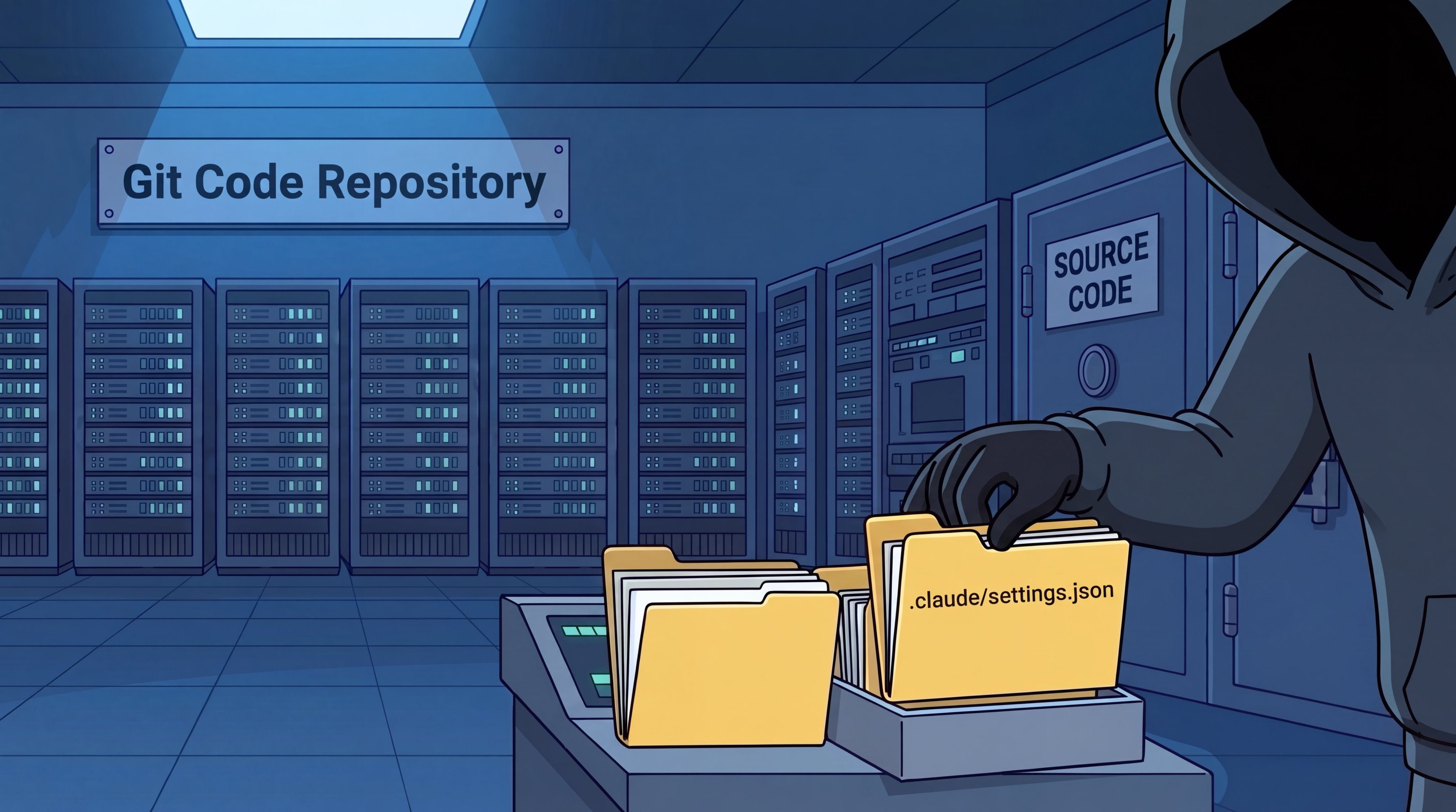
| 5. Tampering with Startup Settings | The attackers modified shared .claude/settings.json configuration files. |
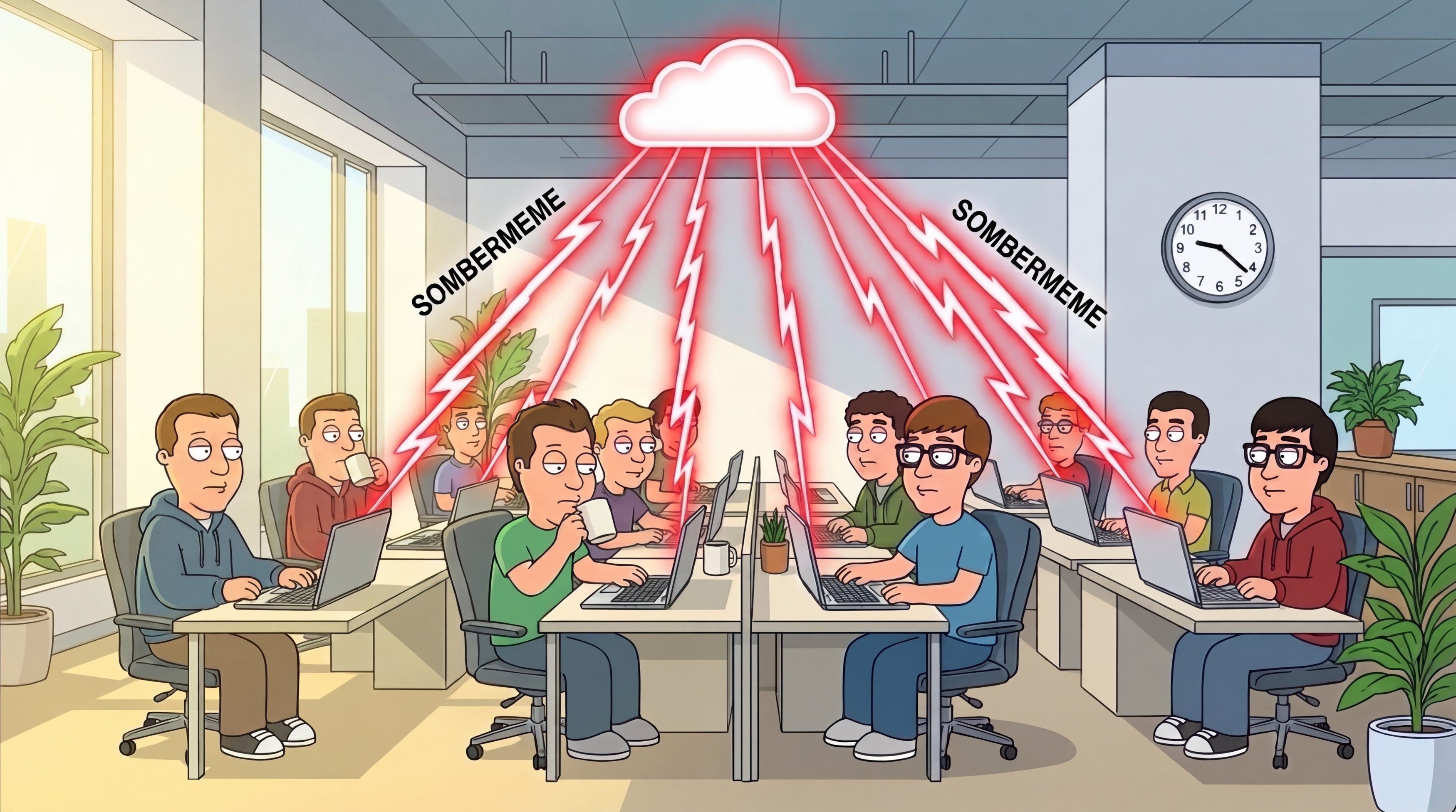
| 6. Automatic Backdoor | The altered configuration caused Claude Code to trigger a download of the SOMBERMEME backdoor at startup. |
| 7. Hiding in Plain Sight | The attackers disguised their lateral movement using GitHub personal access tokens (PATs) named after Microsoft Copilot. |
.claude/settings.json. However, the exact configuration changes, file hashes, infection counts, and stolen data totals were not disclosed. The extent of successful infections remains unclear. Every company has to check its own logs.Security Blind Spots in the MIDNIGHT NEPTUNE Attack
The Shared Startup File: Think of .claude/settings.json as a shared operating manual that your AI coding assistant automatically loads at startup, including instructions for tasks it should perform before work begins. Tampering with shared settings can offer attackers three advantages: wide reach (other developers using the project), automatic execution (when the affected AI tool starts), and a small footprint (changes to a configuration file). Such configuration files may have no designated owner and receive less scrutiny than application code.
Exploiting Daily Habits, Not Mistakes: Tricking someone into pasting a command takes effort; getting developers to open their usual work project takes none. The real fix is to prevent an initial compromise from spreading by controlling which commands AI coding tools can execute automatically at startup.
Three Potential Security Blind Spots
| Security Layer | Potential Detection Gaps |
| Laptop Antivirus / Endpoint | Malicious activity initiated by a legitimate, digitally signed AI coding tool may escape detection. |
| Code Review | A change to a configuration file may receive less scrutiny than a change to application code. |
| IT Asset Inventory | The file may not be tracked or assigned to a designated owner. |
The Big Lesson: The attack exploited trusted tools and configurations. The attackers abused trust in recruiters, shared settings files, and familiar technology brands by naming GitHub personal access tokens after Microsoft Copilot. Defending against such attacks requires greater control over AI tool configurations and access credentials, as well as visibility into what these tools execute at startup.
Recommended Actions: 8 Checks for AI Coding Tools
If your teams use AI coding tools that automatically load project settings, walk through these eight checks:
| What to Check | Recommended Action |
| 1. Spot Unexpected Settings Edits (Deployment Drift) | Compare your AI project settings, startup hooks, and tool-server lists against a known-safe version. Start with updates that only touched settings files. |
| 2. Lock Down Company Rules (Policy Precedence) | Make sure a project file in a folder can never override company-wide security rules. If it can, fix this first. |
| 3. Review Settings Like Code (Approval Parity) | Require the same manager/peer approval for AI settings files as you do for build scripts and live deployment rules. |
| 4. Watch Startup Activity (Session Lineage) | Check AI tool logs and laptop activity for hidden command prompts or downloaders running before the user even types a question. |
| 5. Match Downloads to Traffic (Egress Correlation) | Put brand-new external website connections and recent code downloads on one timeline to spot hidden backdoor callbacks. |
| 6. Audit Lookalike Keys (Credential Provenance) | List every access token by owner, purpose, permissions, and expiry, starting with names imitating big vendors (like “Microsoft Copilot”). |
| 7. Keep Interviews In-House (Entry-Point Governance) | Keep hiring and vendor chats on approved company tools, and treat any “paste this command to fix your screen” message as a security incident. |
| 8. Save the Clues (Evidence Preservation) | Preserve code-change logs, AI session records, endpoint process histories, web/DNS logs, and authentication records without delaying necessary containment actions. |
How Sangfor Helps
| Pain Point | Sangfor Solution |
| Malicious activity initiated by legitimate AI coding tools may escape conventional antivirus detection. | Sangfor Athena XDR Athena XDR learns what normal AI coding and editor behavior looks like on every laptop. The instant an AI tool launches a hidden command prompt, unexpected background program, or unapproved download at startup, before the developer even types a prompt, Athena XDR flags and stops it, even without a known virus signature. |
| Tampered AI tool settings and GitHub tokens with trusted vendor names may appear harmless when viewed in separate logs. | Sangfor Athena MDR Athena MDR correlates code-change logs, user logins, and laptop activity around the clock, actively hunting updates that only modify AI settings, access tokens with names that mimic those of trusted vendors, and unusual API activity that doesn't match an employee's normal routine. |
| The whole breach starts when an employee visits a fake external meeting or interview site and pastes a supposed quick fix. | Sangfor Athena SASE Athena SASE applies smart, context-aware access controls to non-corporate meeting and hiring websites, stopping social-engineering traps early and giving security teams clear visibility into any suspicious outbound internet connections after the command is run. |
References
Google Threat Intelligence Group, 16 November 2026. GTIG AI Threat Tracker: Agentic Threat Activity Crosses a Significant Threshold
Google Threat Intelligence Group, 8 September 2026. GTIG AI Threat Tracker: From Prompting to Autonomy – The Evolution of Adversarial AI